
Making a logo embroidery-ready: from vector to stitch sample
An embroidery machine does not sew a vector file directly. The logo must be translated into stitches for a defined size, fabric and position, then checked in a sample.
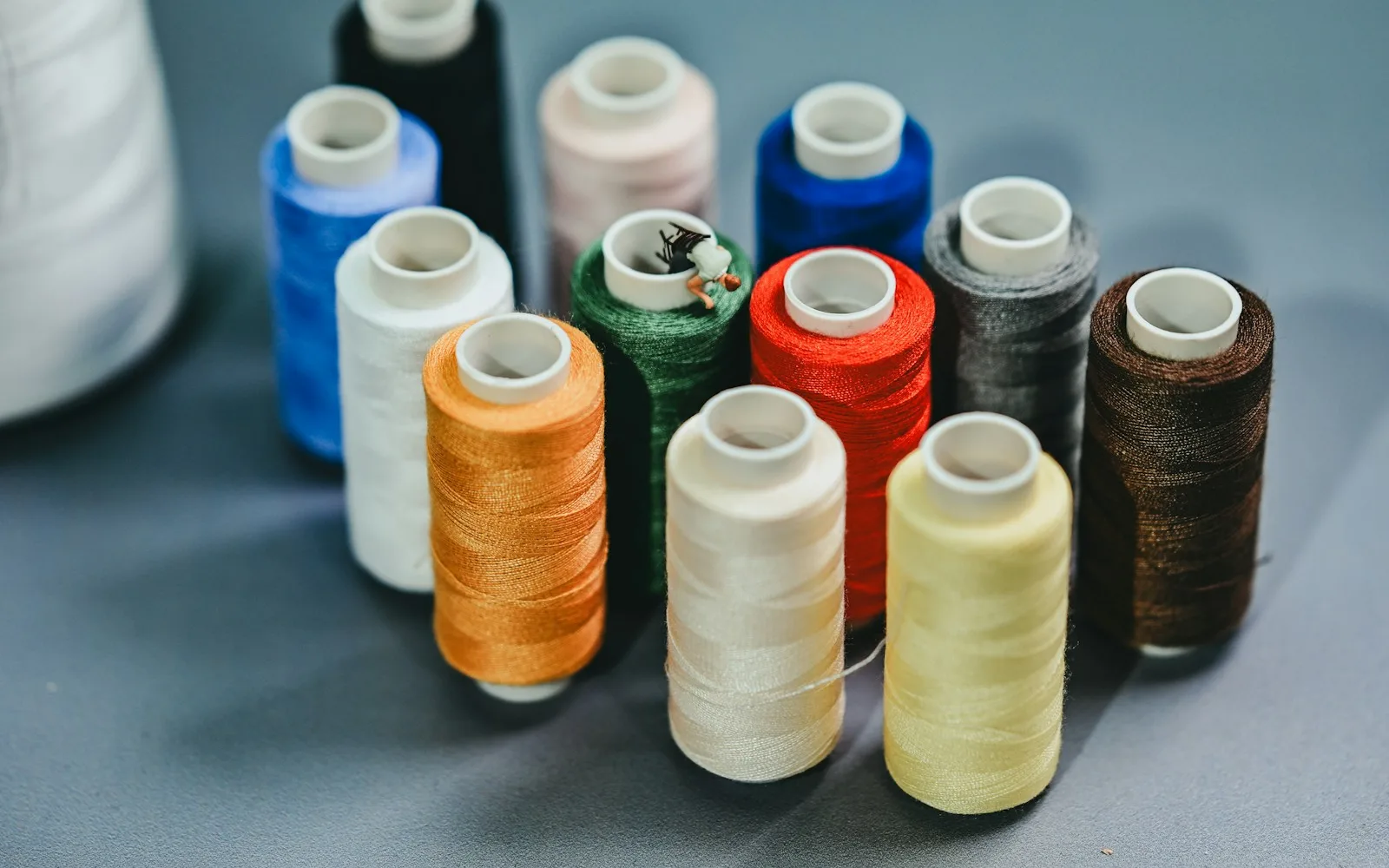
Embroidery digitising is a production design task, not an automatic file conversion. The digitiser decides stitch types, direction, density, sequence and underlay so the logo remains stable and readable on the selected garment.
A vector file is source artwork, not a stitch file
Vector shapes describe outlines and colour fills. An embroidery machine needs a route of individual stitches plus commands for colour changes, trims and movement.
The same logo may need different digitising for a cap, polo and fleece because the fabric and hooping conditions change.
Simplify details that thread cannot reproduce
Very small text, thin gaps, gradients and delicate outlines may merge or disappear. Simplification should preserve brand recognition rather than forcing every screen detail into thread.
Agree the final physical width before digitising. Scaling a stitch file far beyond its planned size changes density and can damage the result.
- Minimum readable text
- Robust line thickness
- Clear gaps between elements
- Thread colour references
- Final dimensions and position
Underlay, density and stitch direction control the surface
Underlay stabilises the fabric and supports top stitches. Density must cover the garment without creating excessive stiffness or thread breaks.
Stitch direction influences light, texture and how adjacent shapes separate. It is a design tool as well as a production setting.
Approve a physical stitch sample
A screen preview can reveal sequence and gross errors but cannot show puckering, thread sheen, edge quality or backing feel. Test on the actual garment or a technically equivalent fabric.
Record the approved size, thread colours, backing and placement for future repeat orders.
Frequently asked questions
Frequently asked questions about this subject
Can an embroidery machine use an SVG or AI file?
Not directly. Vector artwork must be converted into a production stitch file.
Why does small text change?
Thread and needle have physical limits. Tiny counters and gaps may need enlargement or simplification.
Can one stitch file be used at every size?
Only within a limited range. Large scaling changes stitch density and construction.
What are underlay stitches?
They stabilise the fabric and create a foundation for the visible top stitches.
Why is a physical sample important?
It shows fabric movement, thread colour, edge quality, stiffness and backing that a screen cannot reproduce.
Project advice
Prepare the logo for the exact garment and size
Send the source artwork, garment and intended position. We will review simplification, digitising and sample requirements.
Request a quote